Caldwell SI · Promotions

The production stack that turns
one idea into a full production

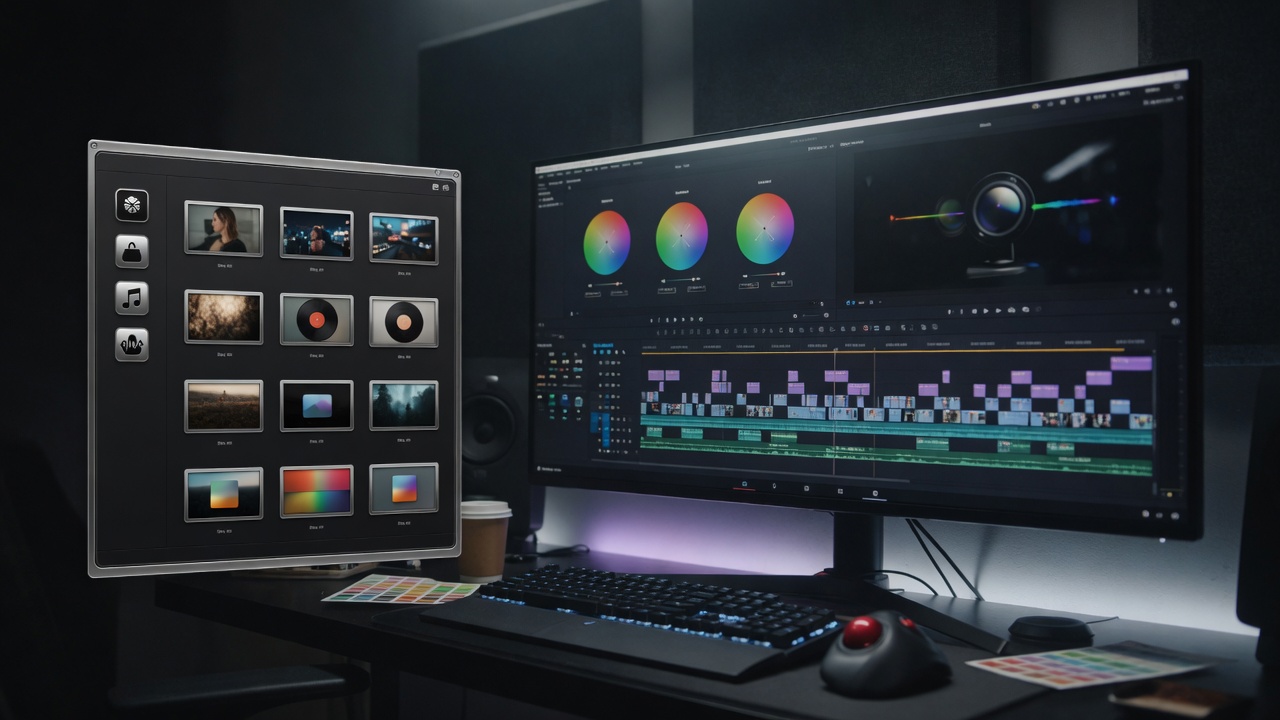
Flagship models, multi-clip Super Creation, music-synced videos, and the Caldwell SI plugin for DaVinci Resolve — built for creators who ship. Explore what's new and how to build longer projects on Caldwell SI.

Caldwell SI Library inside DaVinci ResolveDaVinci Resolve plugin

New · Resolve

Caldwell SI plugin for DaVinci Resolve

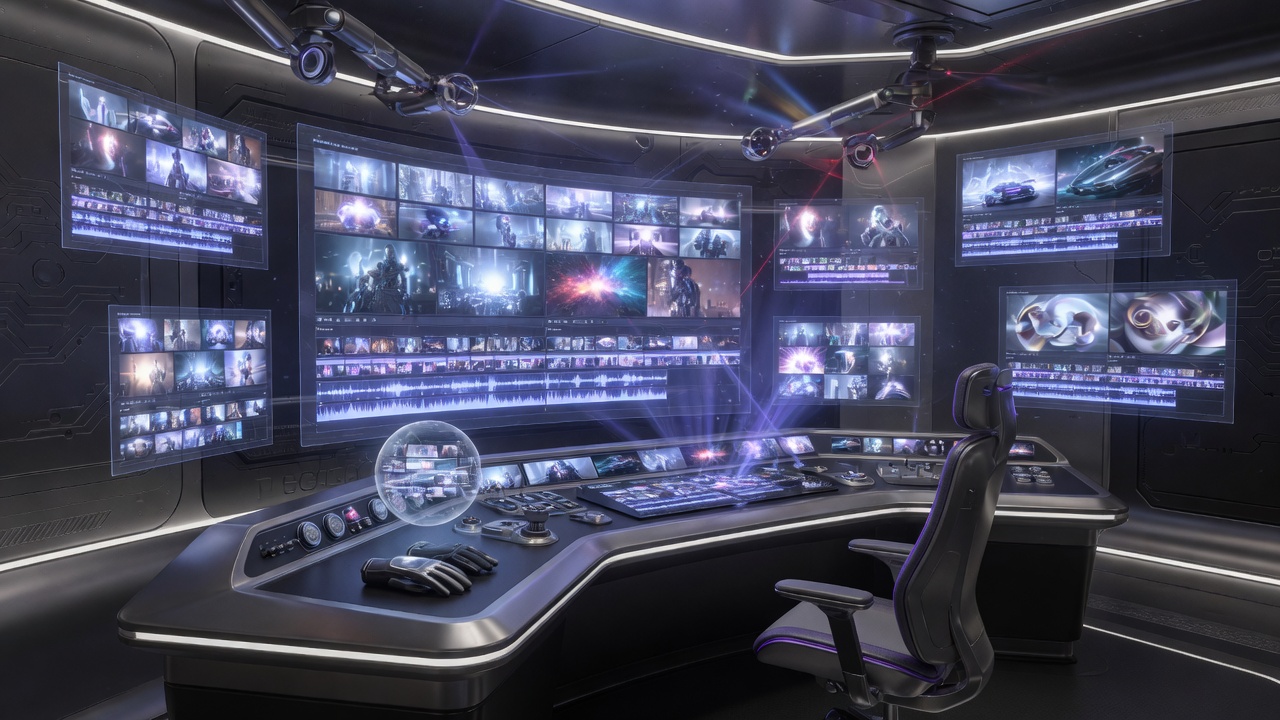
Open your entire Caldwell SI Library — videos, images, and music — inside DaVinci Resolve. Sign in with the same account, browse every generation, and import selected clips straight into the Media Pool.

Built as a Resolve Workflow Integration panel plus a Scripts menu importer, so Caldwell SI sits next to your timeline. Generate on Caldwell, finish in DaVinci Resolve.

  • Full Library — every video, still, and song on your account, including Music Video and Super Creation clips
  • Import to Media Pool — download locally and drop into bins (Videos / Images / Music)
  • Same account — sign in with your www.caldwellsi.com email

PayChatLive membership for creatorsPayChatLive

New · Connected

PayChatLive, inside Caldwell SI

PayChatLive is integrated into Caldwell SI. Sign in with your PayChatLive account on the Team page — you stay signed in for the rest of your Caldwell SI session. Messages, your PayChatLive library, and every profile you subscribe to open under Team Chat, with the same tools as PayChatLive.

On Library, check as many pieces as you want and tap Send to PayChatLive. Selected videos, stills, and music move into your PayChatLive library so you can share them from one place.

  • Login on Team or Library — one PayChatLive sign-in for the rest of your Caldwell SI session
  • Send from Library — checked items go to your PayChatLive library
  • Messages & subscriptions — the full PayChatLive message section, library, and subscribed profiles under Team Chat
Custom cinema camera move from a Blender render with Claude or GPT-6 AstraClaude · GPT-6 Astra · Blender

Video · Camera Angle

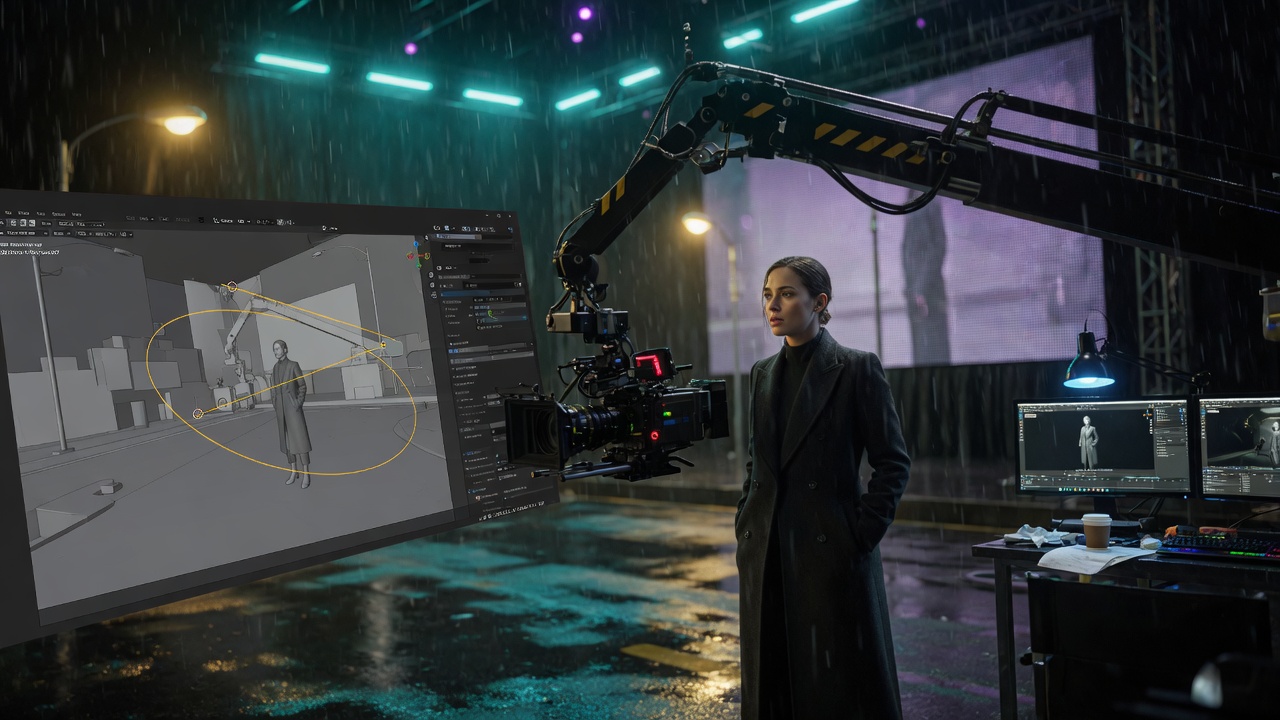
Claude & GPT-6 Astra — custom camera angles from Blender

Render your scene in Blender (or send the viewport with the Caldwell SI Blender plugin). On Create → Video, drop that file in the video references section — same slot as other videos, via Upload Blender render. Then use the Camera Angle box below the prompt: pick Claude or GPT-6 Astra, add optional picture and video references for the camera prompt, and write the move you want.

  • Blender render lives with video references — not on the Camera Angle box
  • Camera Angle stills & clips — extra pictures and videos so Claude or GPT-6 Astra can see the look
  • Up to 30 seconds — Claude and GPT-6 Astra clips have their own library on the Camera Angle box, and also go to the main Library
  • Caldwell SI Blender plugin — sign in, pick the engine, apply a camera from your prompt, and send the viewport
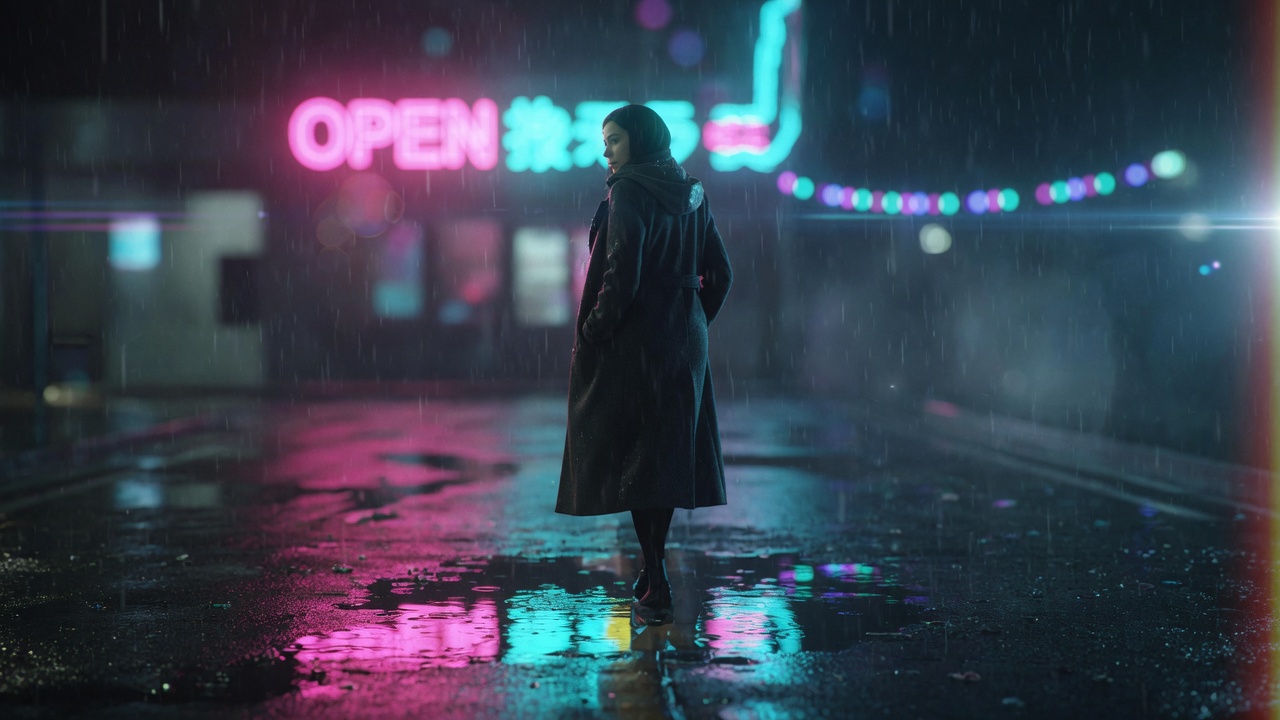
Photoreal still generated with GPT Image 2.5GPT Image 2.5

Image · GPT Image 2.5

GPT Image 2.5 — sharper stills, faster edits

Next-gen image model: richer light and texture, stronger prompt following, and more precise edits than GPT Image 2. First in the Image picker.

  • Flare quality — up to 4K, reference-image edits
  • First in the Image picker — sits above GPT Image 2
  • Stills that hold up — use as covers, key art, or video references
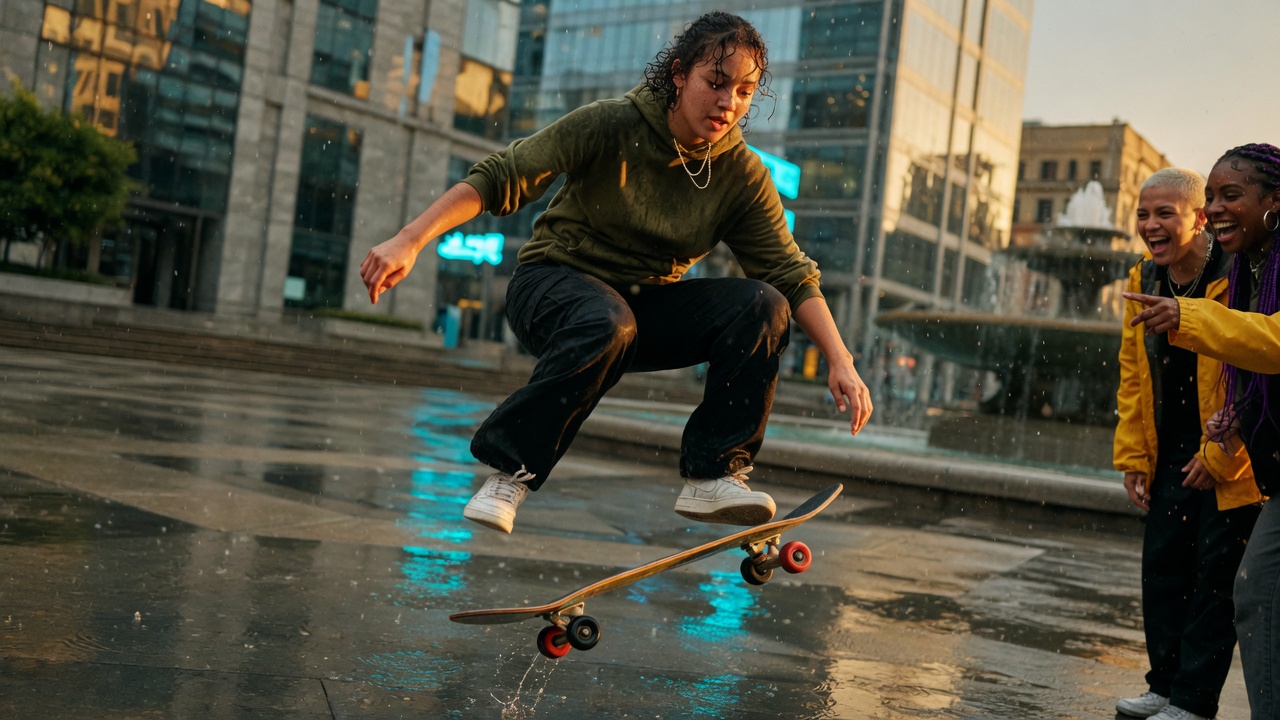
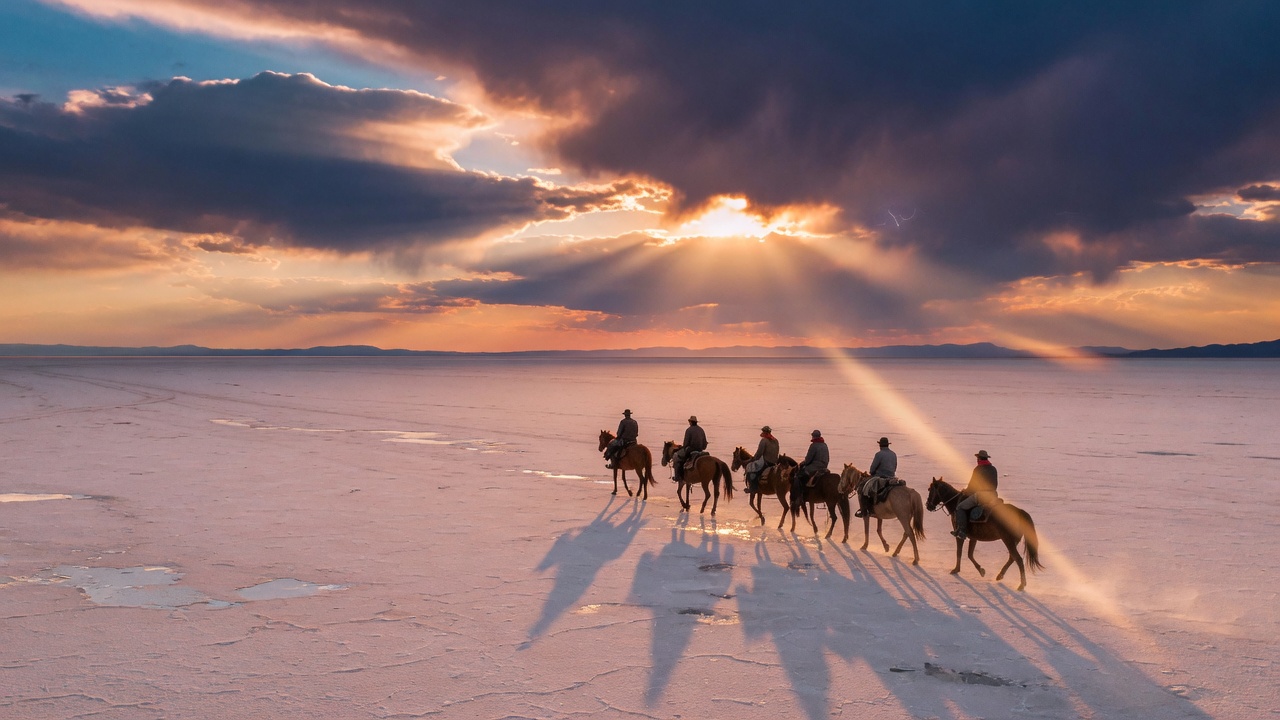
Cinematic Seedance 2.0 film still480p · 720p

Seedance 2.0

Seedance 2.0 — 15 sec, 1 min, 5 min, 15 min & 1 hour at 480p and 720p

Cinematic Seedance 2.0 clips with native audio and reference-to-video. Up to 15 seconds per shot. Live prices below for a 15 sec clip, 1 minute, 5 minute, 15 minute, and 1 hour movie at 480p and 720p— Video, Music Video, and Super Creation.

15 sec clip
480p
…
…
720p
…
…
1 minute
480p
…
…
720p
…
…
5 minute
480p
…
…
720p
…
…
15 minute
480p
…
…
720p
…
…
1 hour movie
480p
…
…
720p
…
…
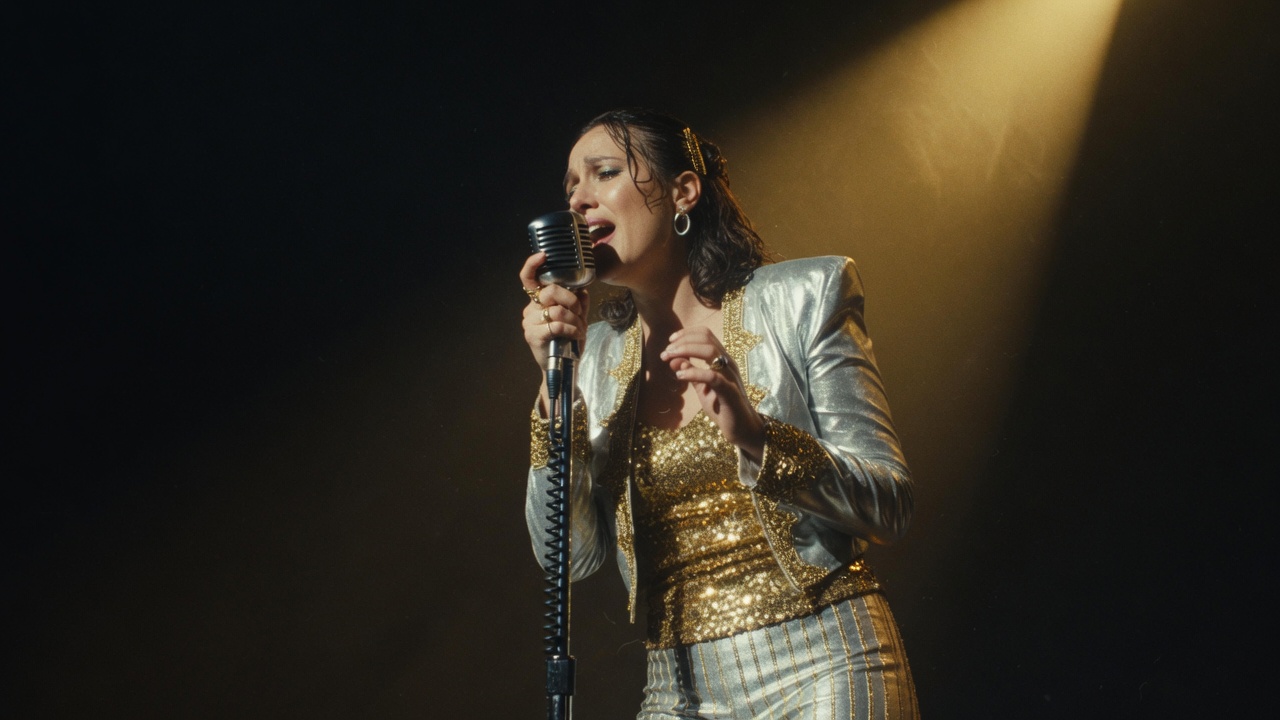
Cinematic Seedance 2.0 Fast film still480p · 720p

Seedance 2.0 Fast

Seedance 2.0 Fast — 15 sec, 1 min, 5 min, 15 min & 1 hour at 480p and 720p

Much cheaper than Seedance 2.0 with very good quality. Same family — cinematic clips, native audio, reference-to-video — up to 15 seconds per shot. Live prices for 15 sec, 1 minute, 5 minute, 15 minute, and 1 hour at 480p and 720p.

15 sec clip
480p
…
…
720p
…
…
1 minute
480p
…
…
720p
…
…
5 minute
480p
…
…
720p
…
…
15 minute
480p
…
…
720p
…
…
1 hour movie
480p
…
…
720p
…
…
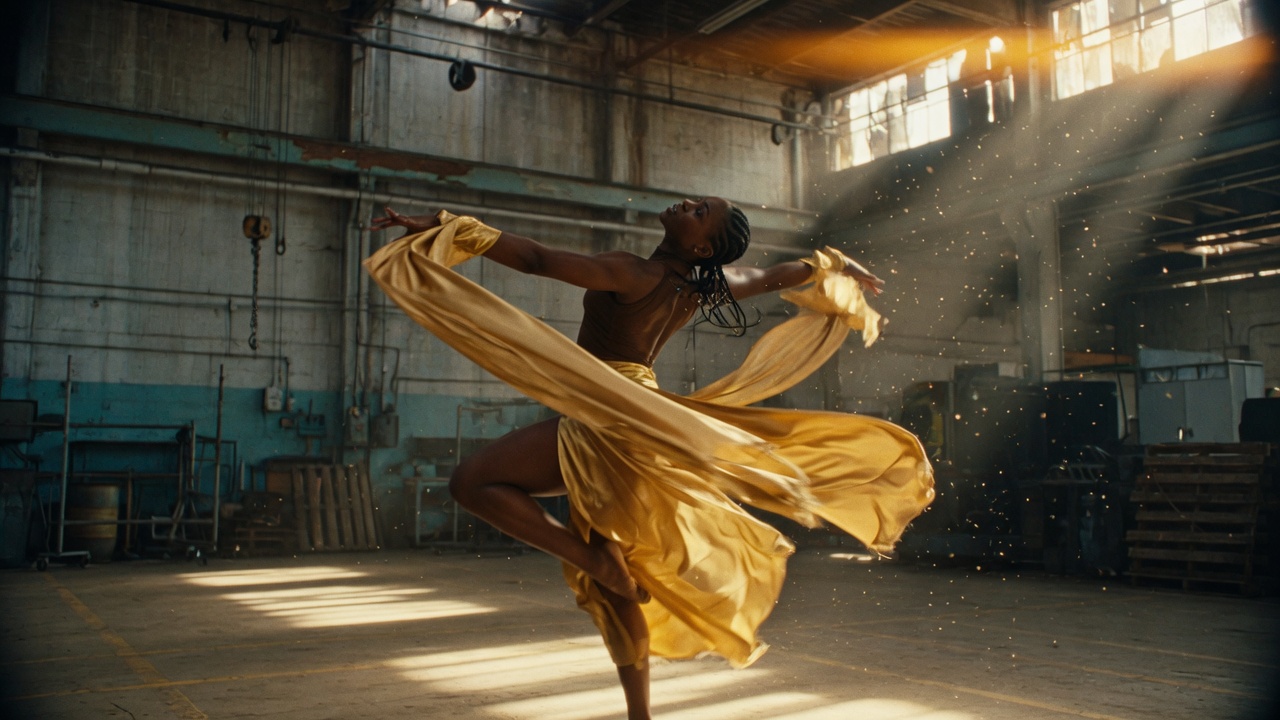
Cinematic Seedance 2.5 film still480p · 720p

Seedance 2.5

Seedance 2.5 — 15 sec, 1 min, 5 min, 15 min & 1 hour at 480p and 720p

Flagship Seedance 2.5 — up to 30 seconds per clip with multi-shot storytelling. Live prices below for a 15 sec clip, 1 minute, 5 minute, 15 minute, and 1 hour movie at 480p and 720p. Video, Music Video, and Super Creation.

15 sec clip
480p
…
…
720p
…
…
1 minute
480p
…
…
720p
…
…
5 minute
480p
…
…
720p
…
…
15 minute
480p
…
…
720p
…
…
1 hour movie
480p
…
…
720p
…
…
Suno V5.5 full-song generationSuno V5.5

Music · Suno V5.5

Suno V5.5 — next-gen full songs on Caldwell

The latest Suno generation for complete tracks with strong vocals, structure, and style control. Available on the Music page and hardwired for reliable delivery. Write a vibe or paste lyrics, generate, then open Midi or send to DaVinci Resolve.

  • V5.5 engine — next-gen Suno quality for full songs
  • Lyrics or instrumental — leave lyrics empty for instrumental
  • Production-ready — Midi, Library, and Send to DaVinci Resolve from finished tracks
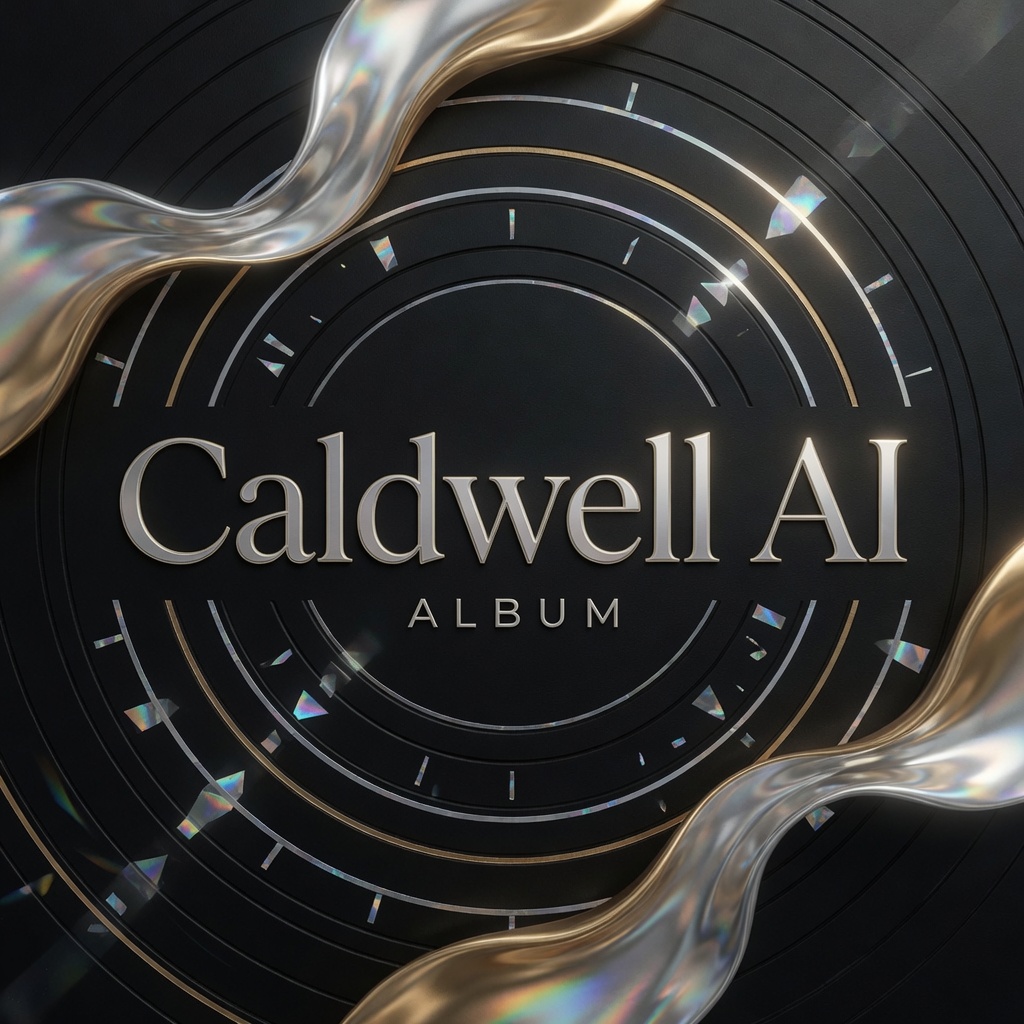
Professional Caldwell SI music album cover made with GPT Image 2GPT Image 2

Image · GPT Image 2

Music album covers that look ready for the charts

GPT Image 2 shines on music album cover art — bold typography, tight composition, and professional polish in a single still. From hip-hop to electronic to indie, describe the vibe and generate a cover that feels professional enough for streaming, vinyl mockups, and press kits.

  • Typography that holds — titles and artist-style lettering that stay sharp on a square cover
  • Pro composition — lighting, texture, and framing that read like a real release, not a random AI collage
  • One click on Image — pick GPT Image 2, set aspect to 1:1, write your concept, generate, then save to Library
Prompt Library — save and load prompts on Video, Image, and MusicPrompt Library

Video · Image · Music

Prompt Library — the atelier for language you want to keep

Save every prompt that works. Name it, file it in a main folder or as many subfolders as you need, copy it, or load it straight into the Video, Image, or Music prompt box. Trash what you do not need. Empty trash when you are sure.

  • Above the prompt box — a small Prompt Library button on Video, Image, and Music
  • Folders without a ceiling — Main, then nested subfolders, with copy, load, and trash on every saved prompt
  • Load the shot — pick a saved prompt and drop it into the main prompt box in one click
Wan 3.0 Reference-to-Video480p · 720p

Wan 3.0

Wan 3.0 — 15 sec, 1 min, 5 min, 15 min & 1 hour at 480p and 720p

Alibaba Wan 3.0 Reference-to-Video — mix images, video, and audio as references. Clips up to 30 seconds. Live prices for 15 sec, 1 minute, 5 minute, 15 minute, and 1 hour at 480p and 720p.

15 sec clip
480p
…
…
720p
…
…
1 minute
480p
…
…
720p
…
…
5 minute
480p
…
…
720p
…
…
15 minute
480p
…
…
720p
…
…
1 hour movie
480p
…
…
720p
…
…
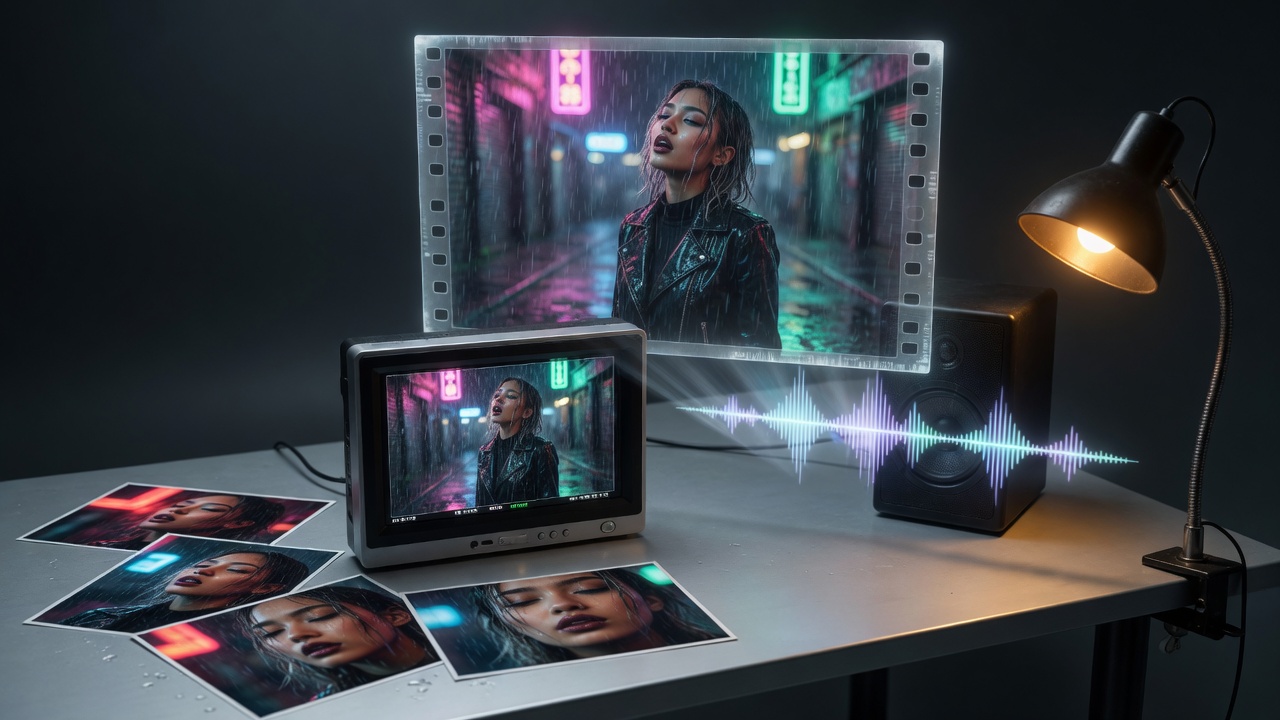
MiniMax H3 cinematic AI video480p · 720p

MiniMax H3

MiniMax H3 — 15 sec, 1 min, 5 min, 15 min & 1 hour at 480p and 720p

Omni Reference video — images, video clips, and audio in one model. Clips run 5–15 seconds. Live prices for 15 sec, 1 minute, 5 minute, 15 minute, and 1 hour at 480p and 720p.

15 sec clip
480p
…
…
720p
…
…
1 minute
480p
…
…
720p
…
…
5 minute
480p
…
…
720p
…
…
15 minute
480p
…
…
720p
…
…
1 hour movie
480p
…
…
720p
…
…
Grok Imagine 1.5 cinematic AI video480p · 720p

Grok Imagine 1.5

Grok Imagine 1.5 — 15 sec, 1 min, 5 min, 15 min & 1 hour at 480p and 720p

Cinematic clips with native audio — text-to-video or animate a picture. Up to 15 seconds per shot. Live prices for 15 sec, 1 minute, 5 minute, 15 minute, and 1 hour at 480p and 720p.

15 sec clip
480p
…
…
720p
…
…
1 minute
480p
…
…
720p
…
…
5 minute
480p
…
…
720p
…
…
15 minute
480p
…
…
720p
…
…
1 hour movie
480p
…
…
720p
…
…
Kling 3.0 cinematic AI video480p · 720p

Kling 3.0

Kling 3.0 — 15 sec, 1 min, 5 min, 15 min & 1 hour at 480p and 720p

Picture-driven consistency — lock faces and wardrobe from stills you attach. Clips run 3–15 seconds. Live prices for 15 sec, 1 minute, 5 minute, 15 minute, and 1 hour at 480p and 720p.

15 sec clip
480p
…
…
720p
…
…
1 minute
480p
…
…
720p
…
…
5 minute
480p
…
…
720p
…
…
15 minute
480p
…
…
720p
…
…
1 hour movie
480p
…
…
720p
…
…

Video models

Seedance · Wan 3.0 · MiniMax H3

Flagship engines, one Library. Pick length, style, and reference mode — then finish in DaVinci Resolve with the Caldwell SI plugin.

Seedance 2.0

Cinematic text- and image-to-video with multi-shot capability, native audio, and clips up to 15 seconds. Ideal for polished social cuts, product motion, and Super Creation scenes when you want a proven Seedance look.

  • 4–15s class storytelling
  • Reference images & multi-shot motion
  • Video · Music Video · Super Creation
Open Video
Flagship

Seedance 2.5

Caldwell's flagship video model: stronger multi-shot motion, longer clips up to 30 seconds, and resolutions through 4K. Start on the 480p promo tier (see prices above), then deliver at 720p / 1080p / 4K — same workflow across Video, Music Video, and Super Creation.

  • 5 / 10 / 12 / 15 / 20 / 25 / 30s options
  • 480p promo · full ladder to 4K
  • Multi-shot storytelling & motion fidelity
Generate with 2.5
Omni Reference

MiniMax H3

Omni multimodal video: prompt plus image, video, and audio references in one request. Up to 15 seconds, 2K class output, native stereo — engineered for character and voice continuity across Super Creation clips.

  • Omni Reference (image + video + audio)
  • 5–15s · up to 2K · native audio
  • Scale long-form via Super Creation
Use on Super Creation
Reference-to-Video

Wan 3.0

Alibaba Wan 3.0 Reference-to-Video: mix images, video, and audio as references in one request. Clips up to 30 seconds, 480p–1080p, native audio. On Music Video, each shot is sent with that clip’s chopped song audio so lips follow the vocal.

  • Up to 10 images · 5 videos · 5 audio refs
  • 2–30s · 480p / 720p / 1080p
  • Video · Music Video · Super Creation
Open Video
Super Creation multi-clip production

Deep dive

Super Creation

One idea in. A planned multi-clip film out. Super Creation is Caldwell's long-form production lane — not a single shot generator, but a session that expands, plans, generates, and libraries an entire project.

Launch Super Creation

1 · Idea & title

Start with a premise, genre, or full treatment. Name the project so every clip lands cleanly in your Library and Super sessions list. Active vs Trash folders keep long productions organized.

2 · Grok planning

Grok expands your brief into a structured plan: scenes, shot order, clip types (video / image / music), and durations. You review before spend — so the story board is intentional, not random.

3 · Model selection

Run scenes on Seedance 2.5 or Wan 3.0 (up to 30s), Seedance 2.0 or Seedance 2.0 Fast (up to 15s), or MiniMax H3 (Omni Reference, up to 15s). Match engine to shot: long emotional beats on 2.5, cheaper Fast drafts, mixed image/video/audio refs on Wan 3.0, omni-character continuity on H3.

4 · Clip generation

Each scene generates with live progress, cancel controls, and Library-safe downloads. Failed or cancelled clips stay visible so you can re-run without losing the rest of the project.

5 · Assets & continuity

Super Assets and references keep faces, props, and style consistent across shots. Pull stills, prior clips, and audio into the plan so episode 2 still looks like episode 1.

6 · Library & DaVinci Resolve

Finished clips land in your Caldwell Library. Open them in DaVinci Resolve with the Caldwell SI plugin — same account, full Library, import to the Media Pool.

Why Super Creation for hour-scale work

Single-shot tools stop at 15–30 seconds. Super Creation is built for dozens of clips in one session: plan once, generate in sequence, track cost, and assemble. At the cheaper 480p promo tier, a full hour of generated footage is about … on MiniMax H3, about … on Wan 3.0, and about … on Seedance 2.5 (live Caldwell credit rates) — before your own edit, VO, and scoring. Raise resolution when you deliver.

Music Video and Chop AudioMusic Video

Synced visuals

Music Video + Chop Audio

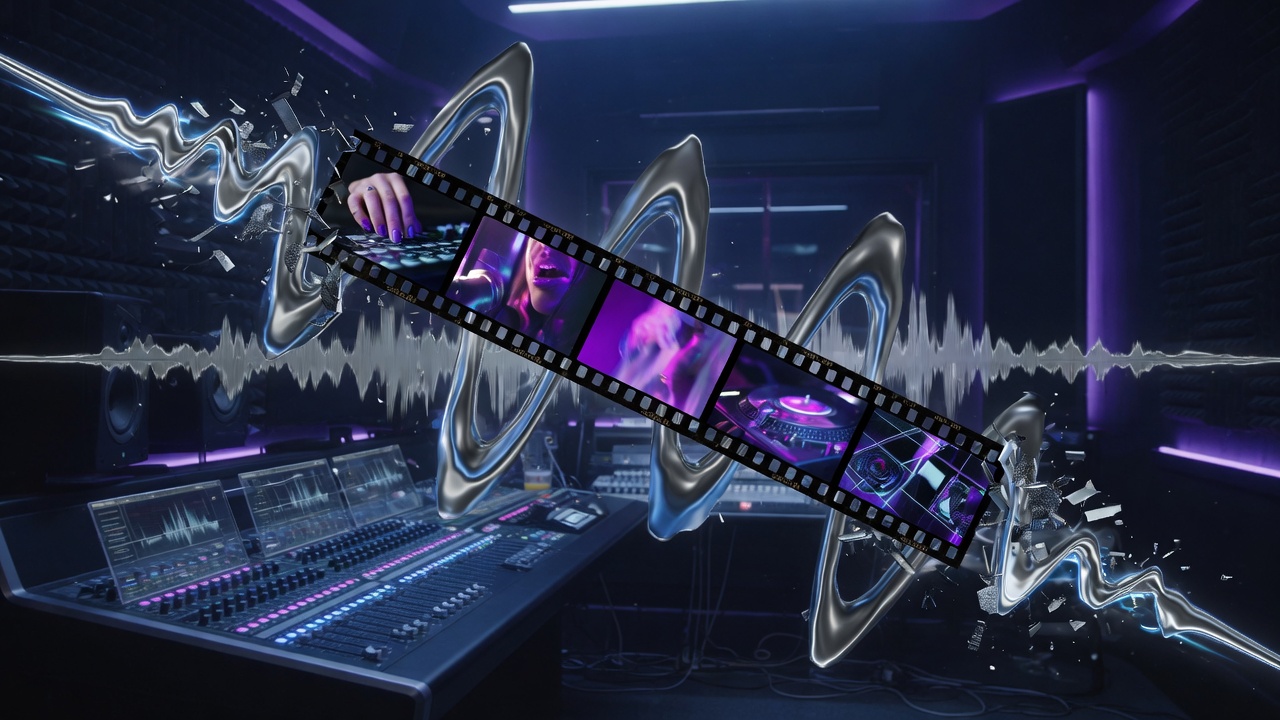
Music Video turns a song into a multi-clip visual story timed to the track. Upload or generate music, plan shots, and generate with Seedance 2.5, Wan 3.0, Seedance 2.0, Seedance 2.0 Fast, or MiniMax H3 — then finish in DaVinci Resolve with the audio bed locked. Each clip is sent with that clip’s chopped song audio so lips follow the vocal.

Chop Audio, explained

Chop Audio analyzes your song and proposes segment lengths that match natural musical structure — so each video clip isn't a random 5-second slice. Instead, Super-style scene lengths align with beats, phrases, and energy shifts. That means fewer awkward hard cuts mid-bar and a cleaner path from track → visual narrative.

  • Import a finished song from Music or Library
  • Chop into clip durations that fit the arrangement
  • Generate each visual segment with Seedance (up to 30s on 2.5)
  • Keep the full mix as the bed; edit picture in DaVinci Resolve

End-to-end

From prompt to deliverable

  1. 01Create

    Video, Image, Music, Music Video, or Super Creation

  2. 02Library

    Folders, re-create, stems, trash — every asset durable

  3. 03DaVinci Resolve

    Caldwell SI plugin — full Library in DaVinci Resolve

  4. 04Deliver

    Export finished mixes and picture for the world

Ready to build longer?

Start with MiniMax H3 and Super Creation — or jump straight into Seedance 2.5 or Wan 3.0 for 30-second flagship shots.